

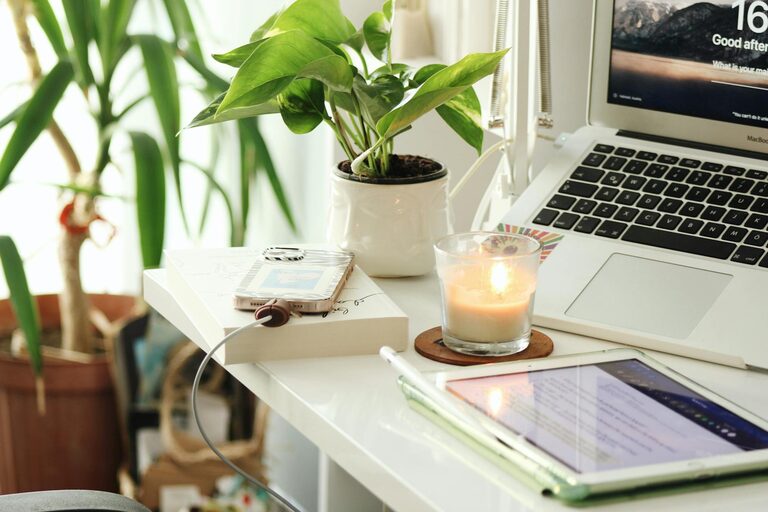
Creating a home office that feels both cozy and productive can greatly enhance your work-from-home experience. Whether you’re setting up a new space or improving an existing one, combining comfort with efficiency is key. This guide offers practical tips to help you transform your home office into a space where you look forward to working every day.
Choose the Right Location
Selecting the right spot for your home office is the first step. Try to find a quiet area with minimal distractions. A room with a door is ideal for privacy, but if that’s not possible, a corner of a quieter room can work well.
Natural Light is a Plus
Position your desk near a window if you can. Natural light boosts mood and energy, reducing eye strain and fatigue. If natural light is limited, invest in good quality lighting, such as a desk lamp with adjustable brightness.
Invest in Comfortable Furniture
Your chair and desk will be used for hours, so comfort is essential for productivity and health.
– Ergonomic Chair: Choose a chair with good lumbar support and adjustable height.
– Sturdy Desk: Find a desk that fits your space and offers enough surface area for your computer, notebooks, and other essentials.
– Consider Standing Options: For better circulation, a sit-stand desk or desk converter can be a great addition.
Organize for Efficiency
A clutter-free environment helps keep your mind clear and focused.
– Use Storage Solutions: Shelves, drawers, and filing cabinets keep documents and supplies neat and accessible.
– Declutter Regularly: Set time once a week to tidy your workspace and discard unnecessary items.
– Cable Management: Use clips, ties, or cable trays to keep cords out of the way and prevent tangling.
Personalize Your Space
Adding personal touches makes your office feel inviting and reduces stress.
– Add Plants: Houseplants improve air quality and create a calming atmosphere.
– Artwork and Photos: Decorate with images that inspire or make you happy without overcrowding the walls.
– Soft Textiles: A cozy rug or cushions can add warmth and texture to the room.
Manage Noise and Distractions
If your space is noisy or prone to interruptions, take steps to minimize distractions.
– Use Noise-Cancelling Headphones: These can block out background noise and help you focus.
– Soundproofing: Consider rugs, curtains, or acoustic panels to dampen sound.
– Set Boundaries: Communicate your work hours with family or housemates to reduce interruptions.
Establish Good Lighting
Beyond natural light, having the right lighting setup is crucial.
– Layered Lighting: Combine overhead lights with task lighting for flexibility.
– Avoid Glare: Position screens and lamps to prevent reflections on your monitor.
– Warm Light: Soft, warm light is easier on the eyes and helps maintain a comfortable vibe.
Create a Daily Routine and Dedicated Workspace
Keeping a consistent routine reinforces the boundary between work time and downtime.
– Set Work Hours: Stick to specific start and end times to balance work and personal life.
– Make Your Desk Your Workspace: Avoid working in bed or other relaxing areas to maintain focus.
– Take Breaks: Regular short breaks help you stay refreshed and prevent burnout.
Use Technology Wisely
Equip your home office with reliable tools to support your work.
– Fast Internet: A stable connection is essential for meetings and online collaboration.
– Essential Devices: Invest in a good quality computer, webcam, and microphone if needed.
– Backup Solutions: Regularly save your work to avoid data loss.
Keep Comfort in Mind
Finally, ensure your physical comfort throughout the day.
– Temperature Control: Use fans, heaters, or humidifiers if necessary to keep the space comfortable.
– Stay Hydrated: Keep water nearby to stay energized.
– Move Around: Incorporate stretches or short walks to reduce stiffness.
—
Creating a cozy and productive home office is about balancing functionality with comfort. By thoughtfully choosing your space, investing in key furniture, organizing efficiently, and personalizing your workspace, you can craft an environment that supports both your productivity and well-being. Start small and adjust as you go to find the best setup that works for you.